


1 / 13
 KOREASEOUL CAPITAL AREA
Suwon
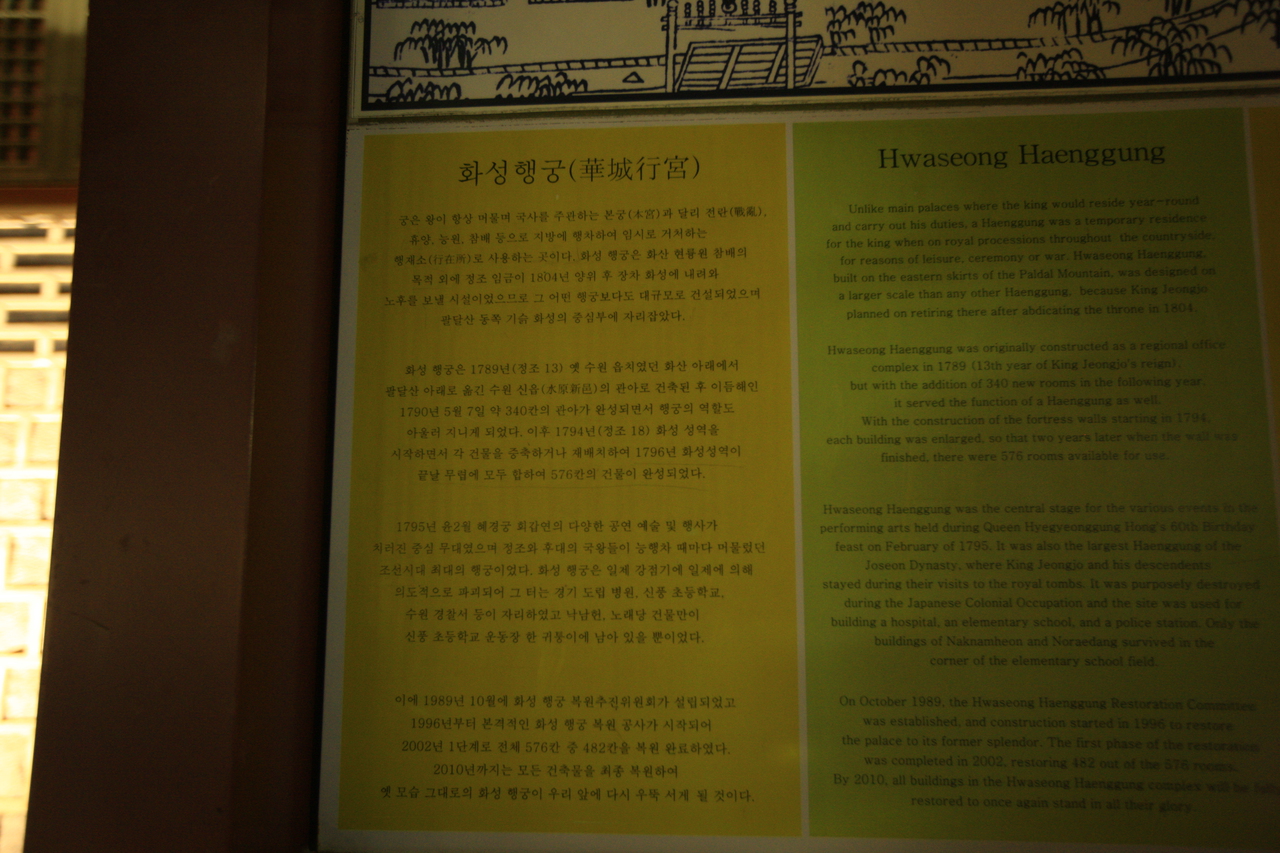
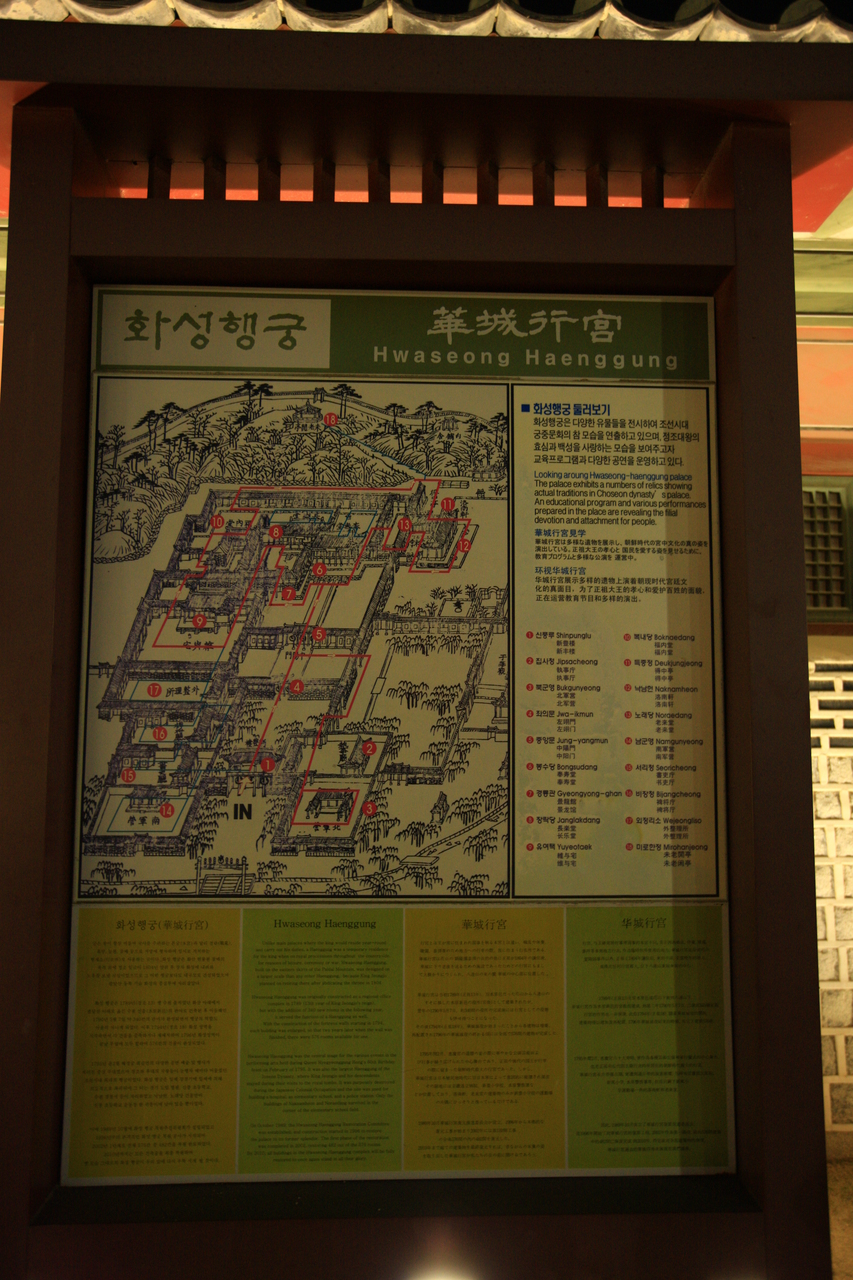
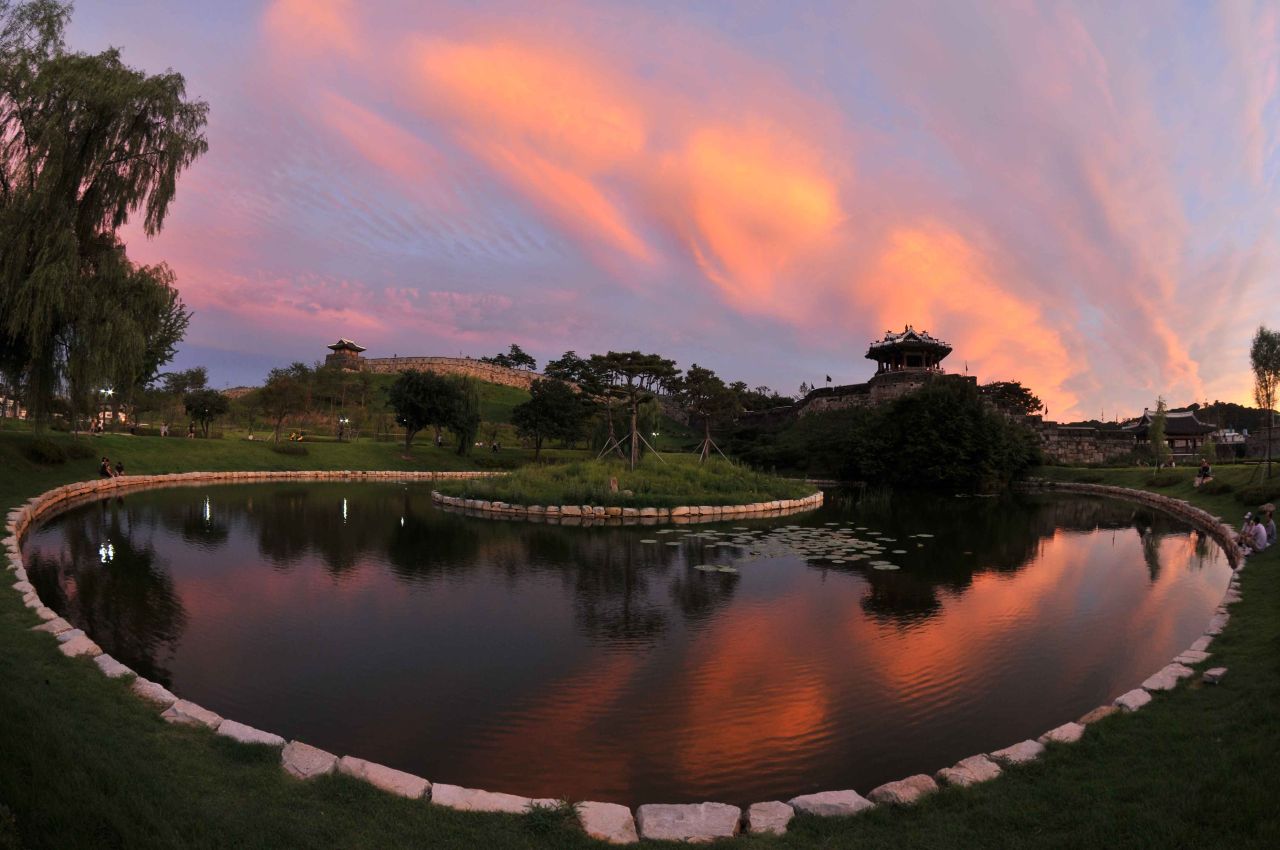
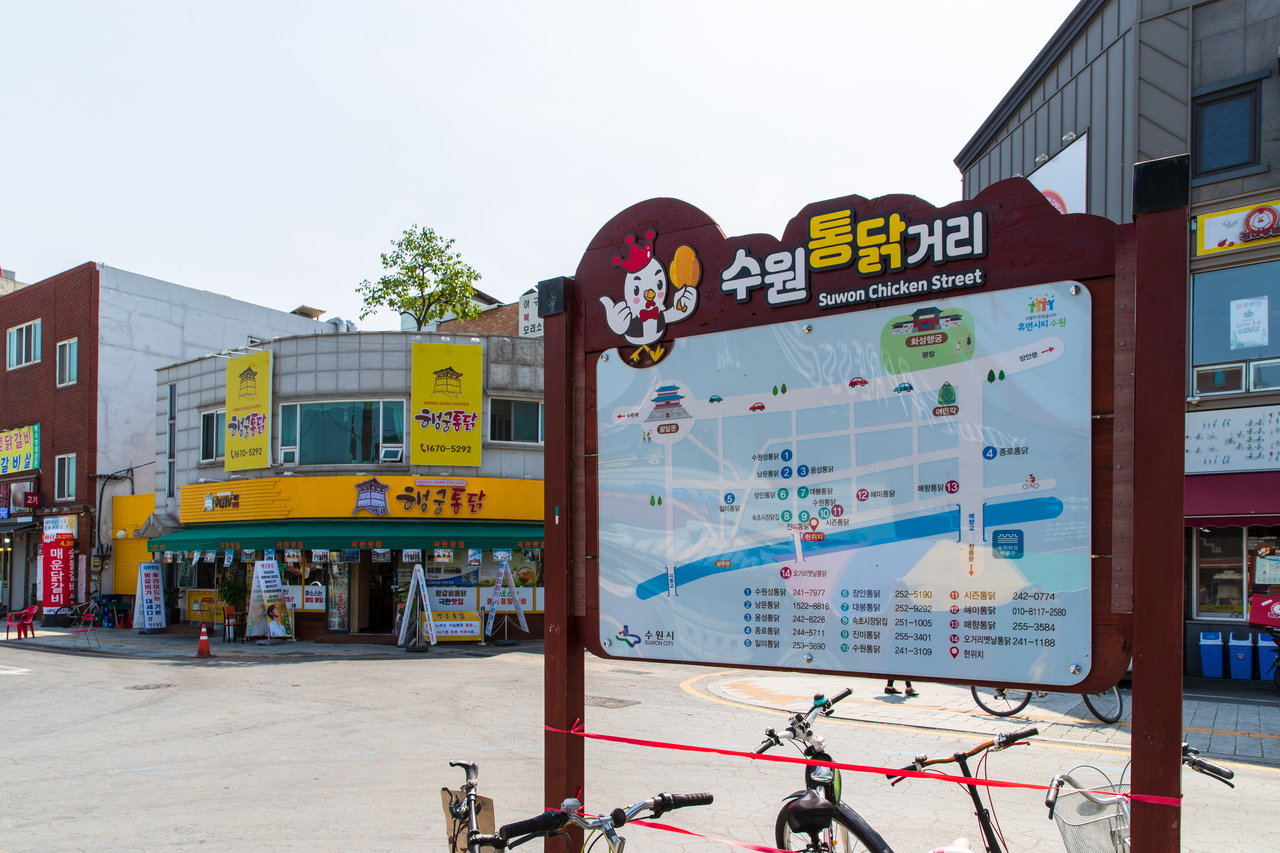
The seat of Gyeonggi province, its old centre ringed by the Hwaseong fortress King Jeongjo raised in the late 18th century. The subway from Seoul takes just over an hour, which makes it a common day trip. Spring and autumn suit the walls, and many come for the ribs and fried chicken too.
SEE DETAILS